



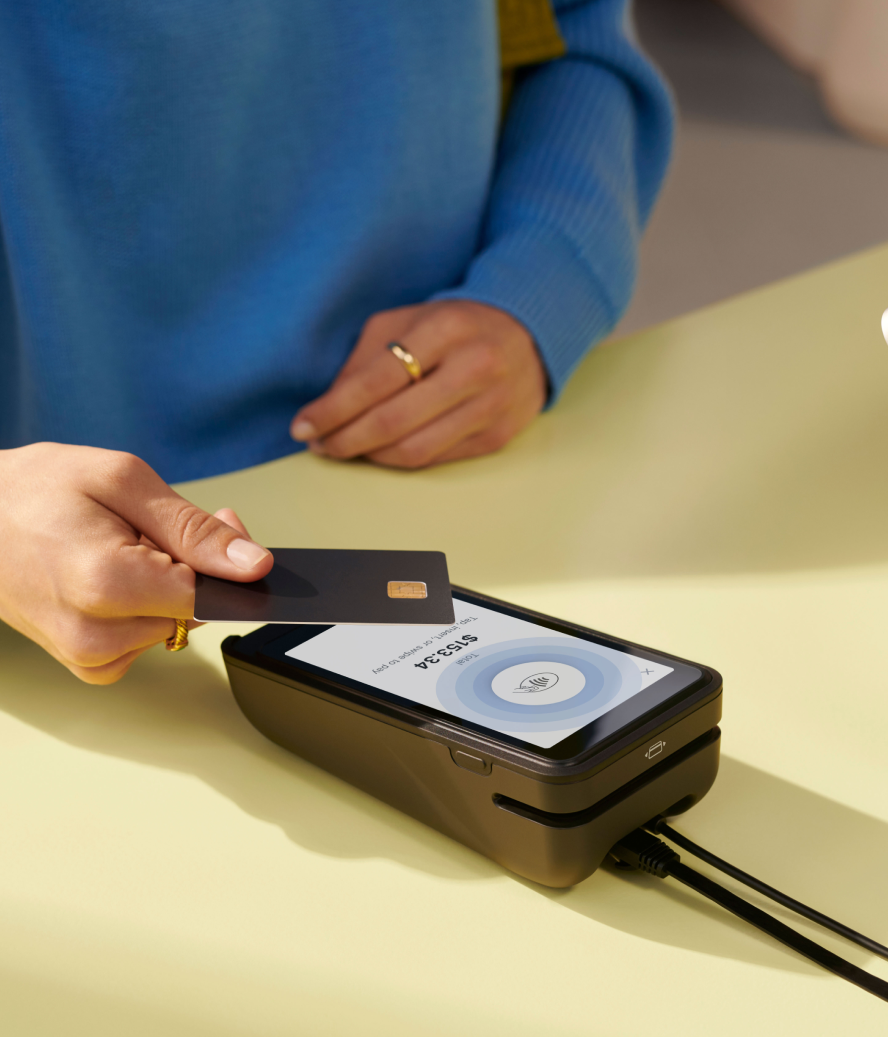

No two stores operate the same way. A flagship in SoHo carries the full collection at full price. The outlet in New Jersey moves last season’s inventory at 30% off. A pop-up at a weekend market offers a curated selection of bestsellers. And the new location in London needs local currency, a local legal entity, and a catalog that reflects the UK market.
If you're running multiple locations, you've probably managed pricing with spreadsheets, duplicate stores, or manual overrides at each one.
Shopify Markets lets you configure catalogs, pricing, and promotions per location, all from one admin.
One admin, different rules for every store.
Shopify Markets lets retail brands define how each store sells, what it sells, and at what price, all from one place. No duplicate stores. No manual price overrides. No spreadsheets tracking which location gets which catalog.
Four ways store owners use Markets
Different catalogs per location group.
A fashion brand runs 12 flagships and 4 outlets. Flagships carry the current season at retail price. Outlets carry previous seasons at marked-down pricing with a smaller assortment. Both pull from the same product catalog in Shopify, but each location group sees only what's relevant to them, at the right price.
In-store pricing that's separate from online.
A home goods retailer prices differently in stores than on their website. Their in-store experience includes a designer consultation that justifies the premium. With retail location markets, the store catalog reflects one price while the online store reflects another. No workarounds, no apps, no manual edits.
Regional promotions that stay regional.
A retailer running a grand opening promotion for a new pop-up doesn't want that discount leaking to their other 20 locations. Discounts scoped to specific markets mean a Boxing Day campaign runs only in UK stores, a flash sale hits only outlets, and a loyalty event runs exclusively at flagships. All configured in one place, all at the same time.
International retail from a single store.
A brand with stores in Belgium, Luxembourg, and France doesn't need three separate Shopify stores. One store handles all three countries. Each country gets its own legal entity, its own Shopify Payments account, and settles in local currency to a local bank account. Customers pay in the currency on the price tag. Staff don't think about it.
How it works
Markets for retail revolves around two concepts.
Region markets cover broad geographies. A "USA" region market and a "Canada" region market mean all retail locations in each country pull from the same pricing, catalog, and promotions as the online store for that region. This is the baseline.
Retail location markets get more specific. They apply to a defined group of stores: "NYC outlets," "London flagship," "Holiday pop-ups." When a location belongs to both a region market and a retail location market, the more specific one wins. That's how a New York outlet gets different pricing than the New York flagship, even though both sit in the USA region market.
A location pulls from the most specific market it belongs to. The system resolves this automatically. Store owners configure the rules. Shopify enforces them.
What each plan unlocks
Not every retailer needs the full setup. Markets is available across Shopify plans, with capabilities that scale with complexity.
Shopify (with POS Lite) gets region markets. Locations in each region inherit pricing, assortment, and promotions from the region market. This covers store owners who want consistent pricing across all their stores in a given country, matching their online store.
Shopify (with POS Pro) adds retail location markets. Different pricing for in-store vs online. Different catalogs for flagships vs outlets. Automatic discounts scoped to specific location groups. A brand running flagships, outlets, and pop-ups manages all three from the same admin.
Shopify Plus adds multi-entity selling and discount functions. Separate legal entities per country, each with its own Shopify Payments account. Programmable, logic-driven discount rules for complex promotional strategies. This is the tier for brands operating retail across borders.
Built for how retail works
The problem Markets solves isn't new. Retailers have always needed different stores to behave differently. What's new is being able to manage that complexity from a single system without custom development, without duplicate stores, and without the operational overhead of keeping everything in sync manually.
One product catalog. One customer base. One view of the business. The complexity lives in the configuration, not in the store owner's day-to-day operations.
If you're running multiple retail locations today (or planning to), and you've been managing pricing differences through manual edits, separate collections, or workarounds, Markets is built for you.
Shopify Markets for retail FAQ
How do I migrate from expansion stores to Markets?
Consolidate into the store with the highest historical order volume to preserve customer and order data. Configure Markets and business entities in that store, then migrate products, catalogs, and pricing from your other stores. Set up 301 redirects to preserve SEO traffic. This isn't a self-serve flip. Work with your merchant success team to map your current setup and plan the migration timeline.
Do I need a separate business entity for each country with retail locations?
Yes. Each country where you operate retail locations requires its own business entity with a Shopify Payments account, even if the currencies match. For example, stores in Germany and France both use EUR but still need separate entities. Pop-up locations usually follow the same rule, but short-term pop-ups may qualify for exceptions under local laws - confirm with a tax or legal professional in the country you’re operating in. Multi-entity selling requires the Shopify Plus or Enterprise Commerce plan.
What happens if I only have one business entity?
Shopify POS transactions process in your store's default currency. Retail markets still control which products and prices appear at each location, but they don't change the processing currency. To sell in local currency at retail locations in different countries, you need multiple entities on the Shopify Plus plan.
Can I run discounts that apply only at specific retail locations?
Yes, with POS Pro. Discounts can be scoped to specific retail location markets, so a grand opening promotion runs only at the stores you choose. Buy X Get Y discounts at multi-entity retail locations also require POS Pro. Locations on POS Lite can apply automatic discounts only to online store transactions.
How does pricing inheritance work between region and retail location markets?
Retail location markets inherit all customizations from their parent region market by default. You can then override specific settings like pricing, catalogs, and promotions for that location group. A location always uses the most specific market it belongs to. If a New York outlet belongs to both a "USA" region market and an "NYC outlets" retail location market, the outlet market's settings apply.
Get started with Shopify Markets →


